Pro Monthly
US$0.99 / month
- Unlimited uses
- All quality options
 FitMyFile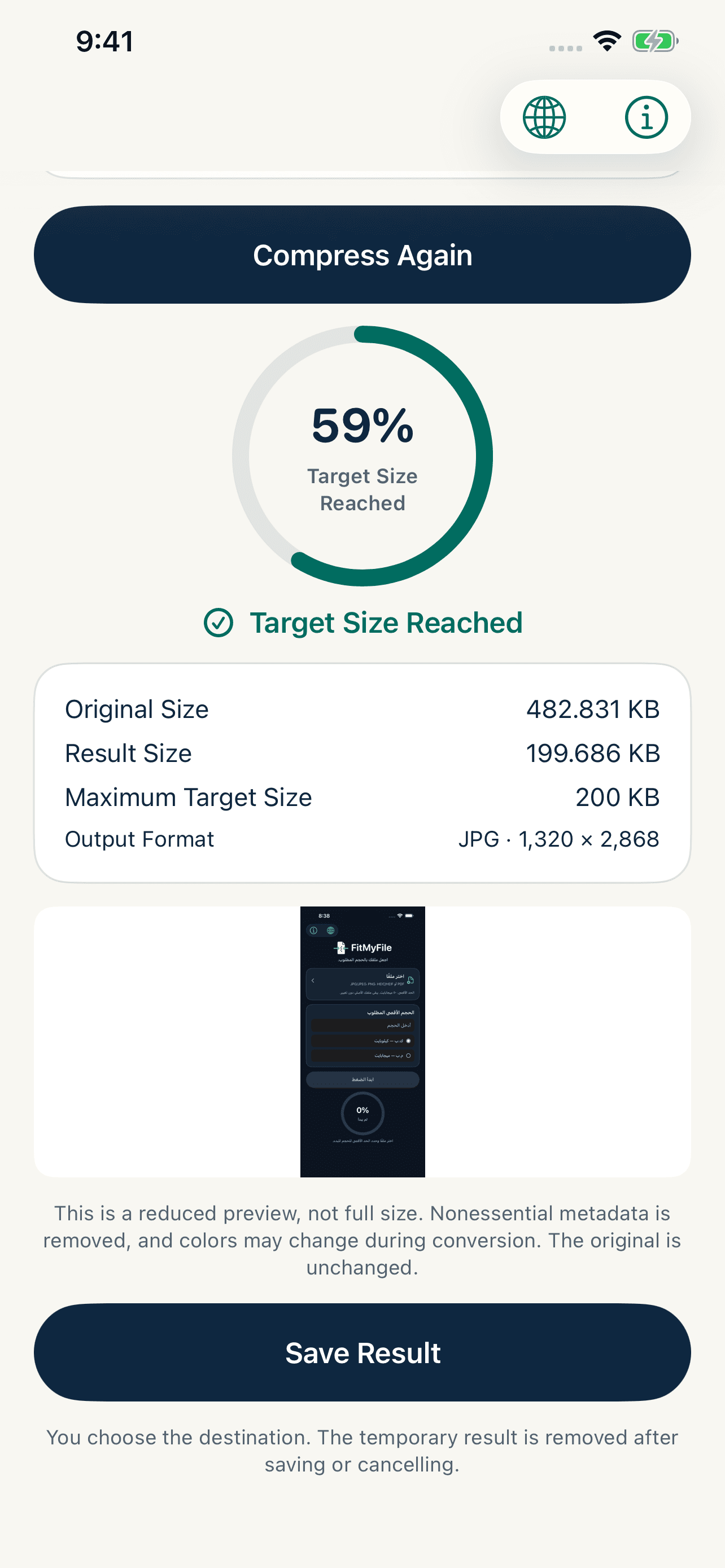
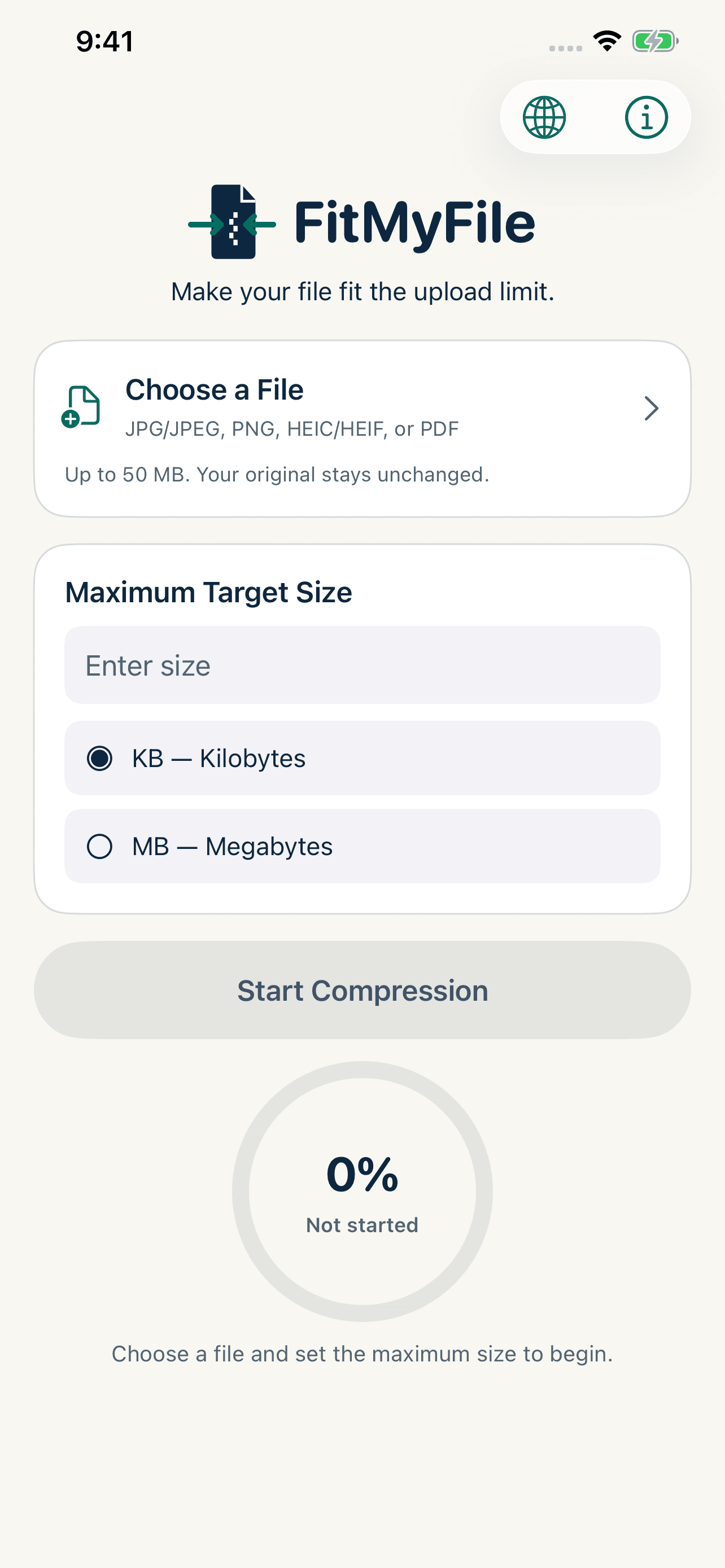
Choose an image or PDF and set the size you want. FitMyFile processes your file directly on your device, clearly shows the result’s actual size, and lets you know if the requested limit cannot be reached. Your original file remains unchanged.
Your first three successful results are free; Pro is required after that.
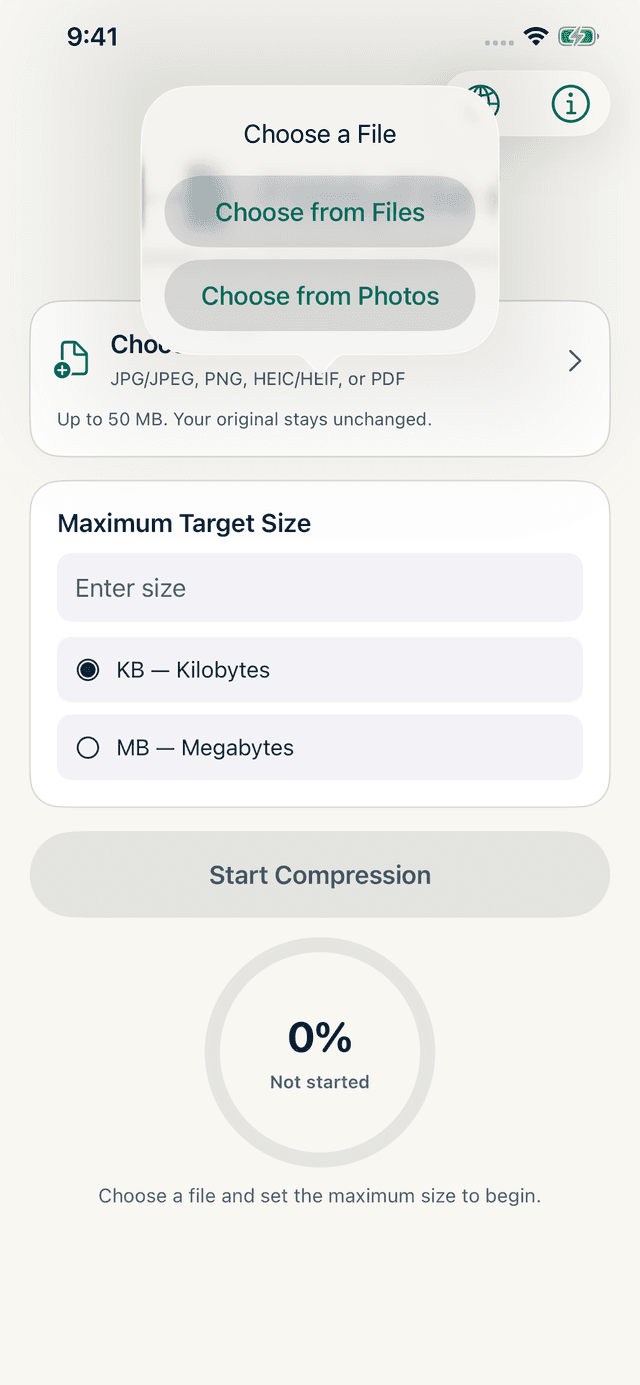
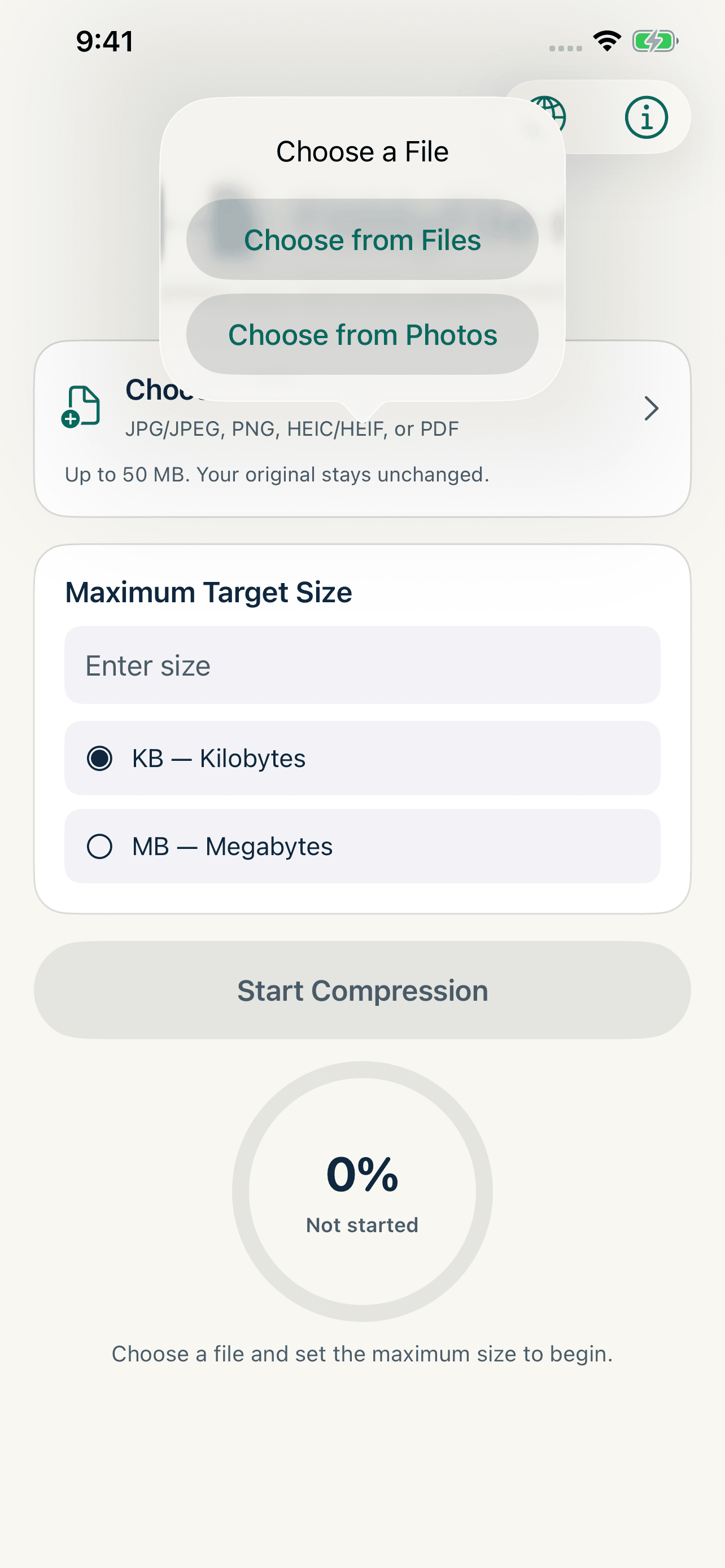
Pick an image or PDF from Photos or Files.
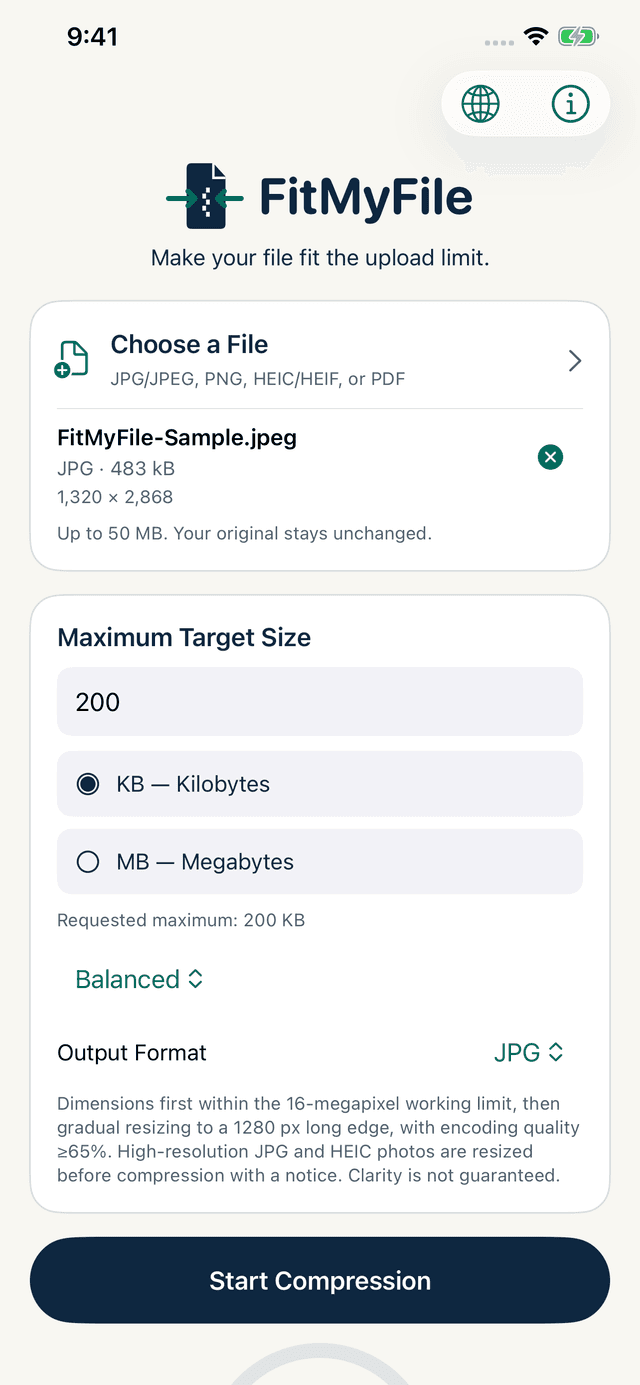
FitMyFile reduces the size locally on your iPhone.
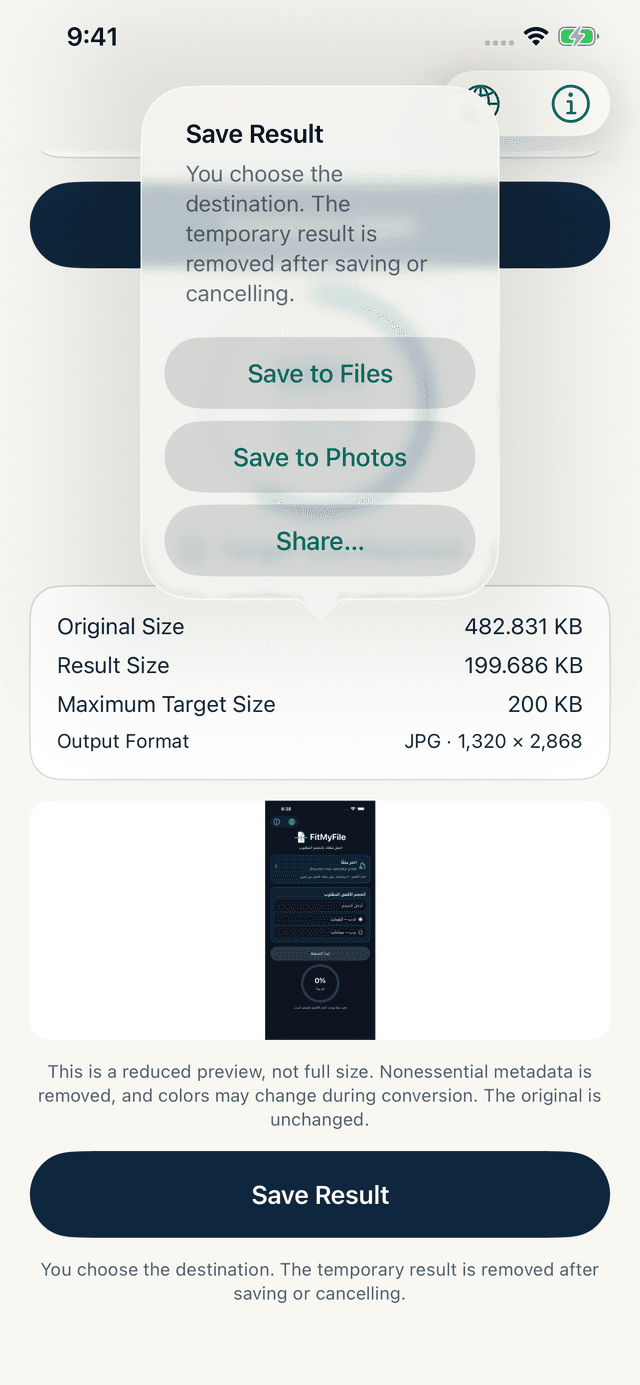
Save or share the result wherever you want.
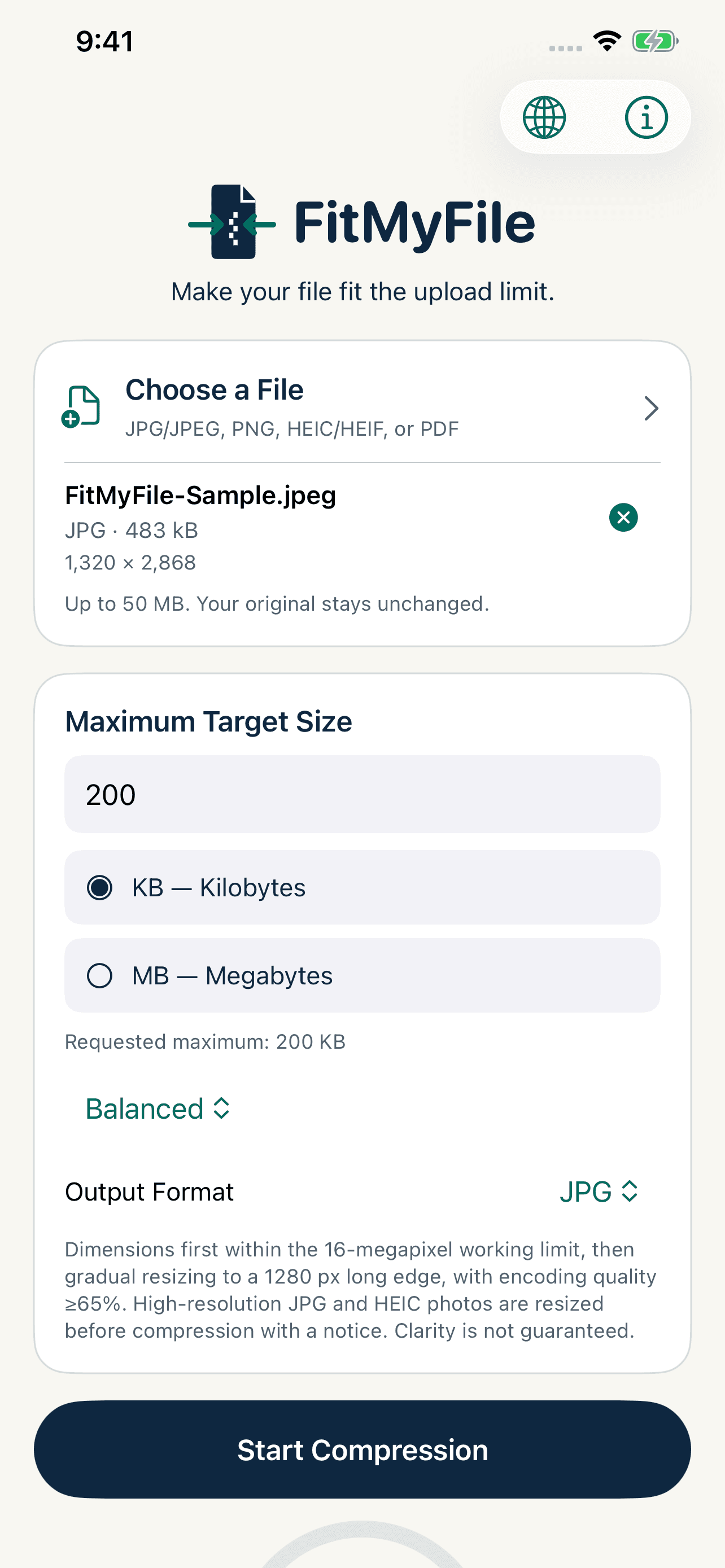
Set the maximum size you need, in KB or MB, and FitMyFile works toward it directly on your device.
A real result: from 482.8 KB to 199.7 KB.
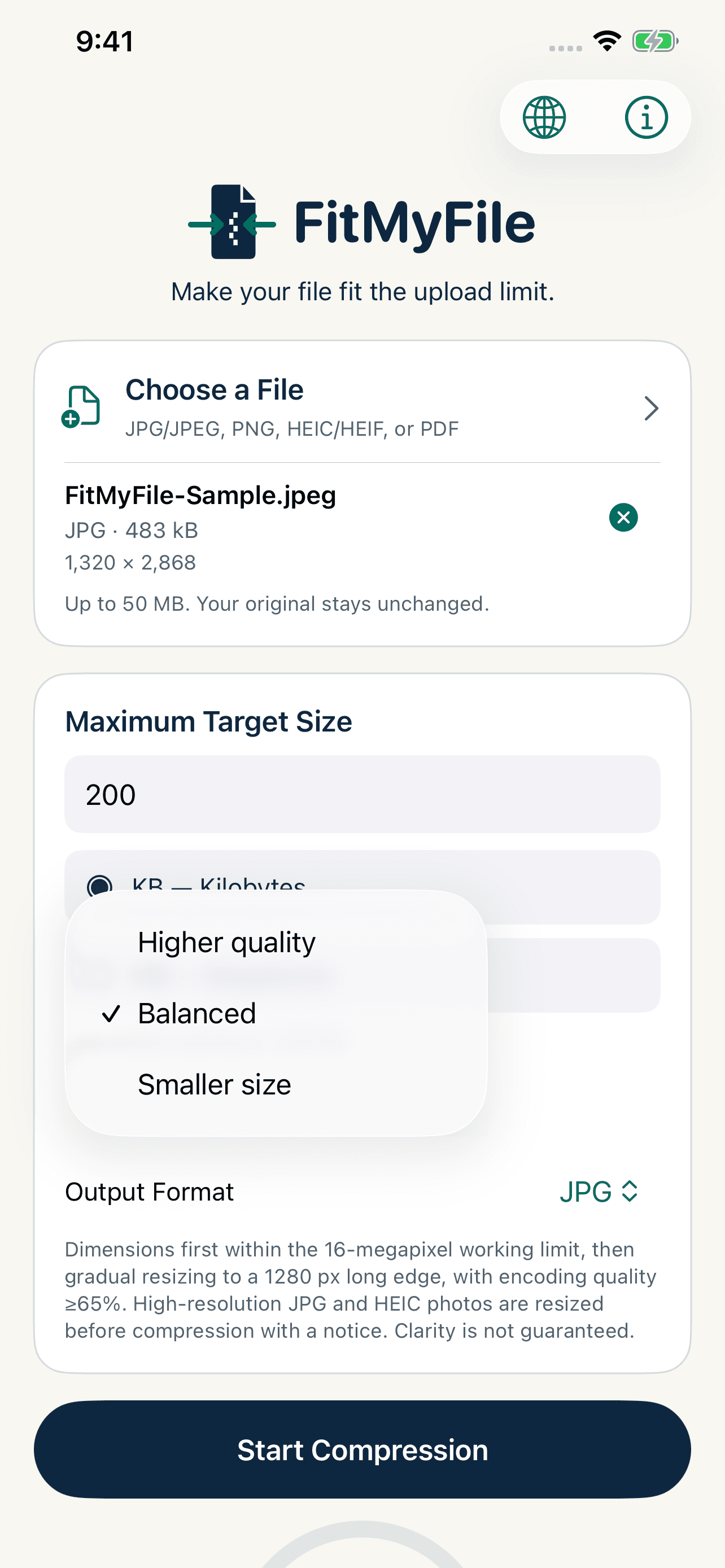
Choose Higher Quality, Balanced or Smallest Size — FitMyFile adjusts to fit your target.
FitMyFile does not upload files to a server and includes no AI, advertising, tracking or third-party analytics.
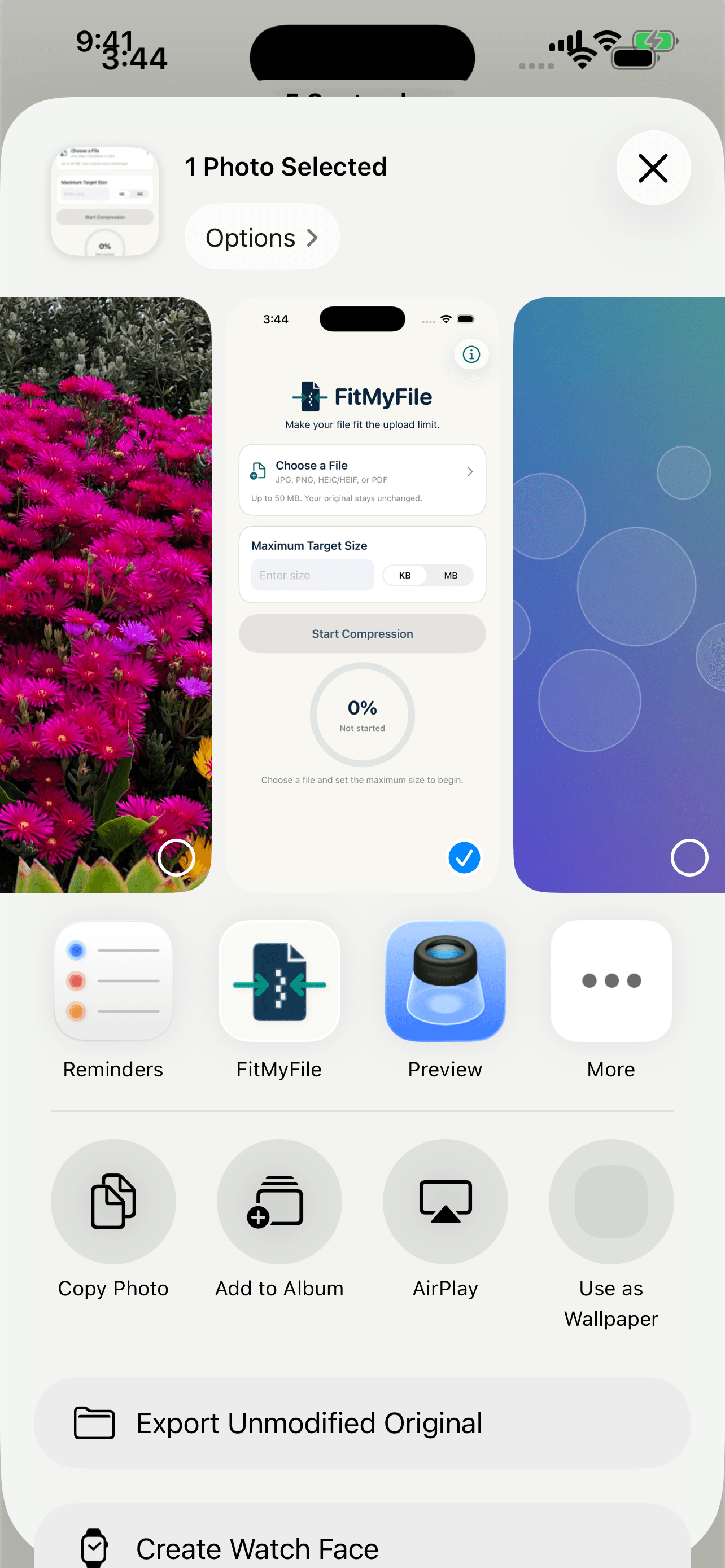
Truthful results. See original and resulting sizes, with a clear warning when the requested limit cannot be reached.
One real result, unedited.
No accounts. No cloud workflow. No unnecessary steps.
Your first three results are always free.
US$0.99 / month
US$14.99 one-time
Prices are shown in USD. Your local App Store will display the applicable price for your country or region.
Clear answers about choosing files, setting a size limit, and understanding compression, saving and purchases.
Choose an image from Photos or a file from Files, enter the maximum size in KB or MB, then start compression. Review the size and warnings before saving or sharing the result.
Version 1 supports JPG, JPEG, PNG, HEIC, HEIF and PDF. It does not support video, Office documents or archives.
The maximum is 50 MB per file, with additional limits for image dimensions, PDF page count and device memory.
The app uses decimal units: one MB equals 1,000 KB. A 400 KB limit therefore equals 0.4 MB.